

How to Install Remote Start on a Hyundai or Kia at Home (No Wire Cutting, No Dealer Visit)
Most people assume adding remote start means booking a professional installer, spending $300–$600, and waiting several days. For Hyundai, Kia, and Genesis owners, that's no longer the case.
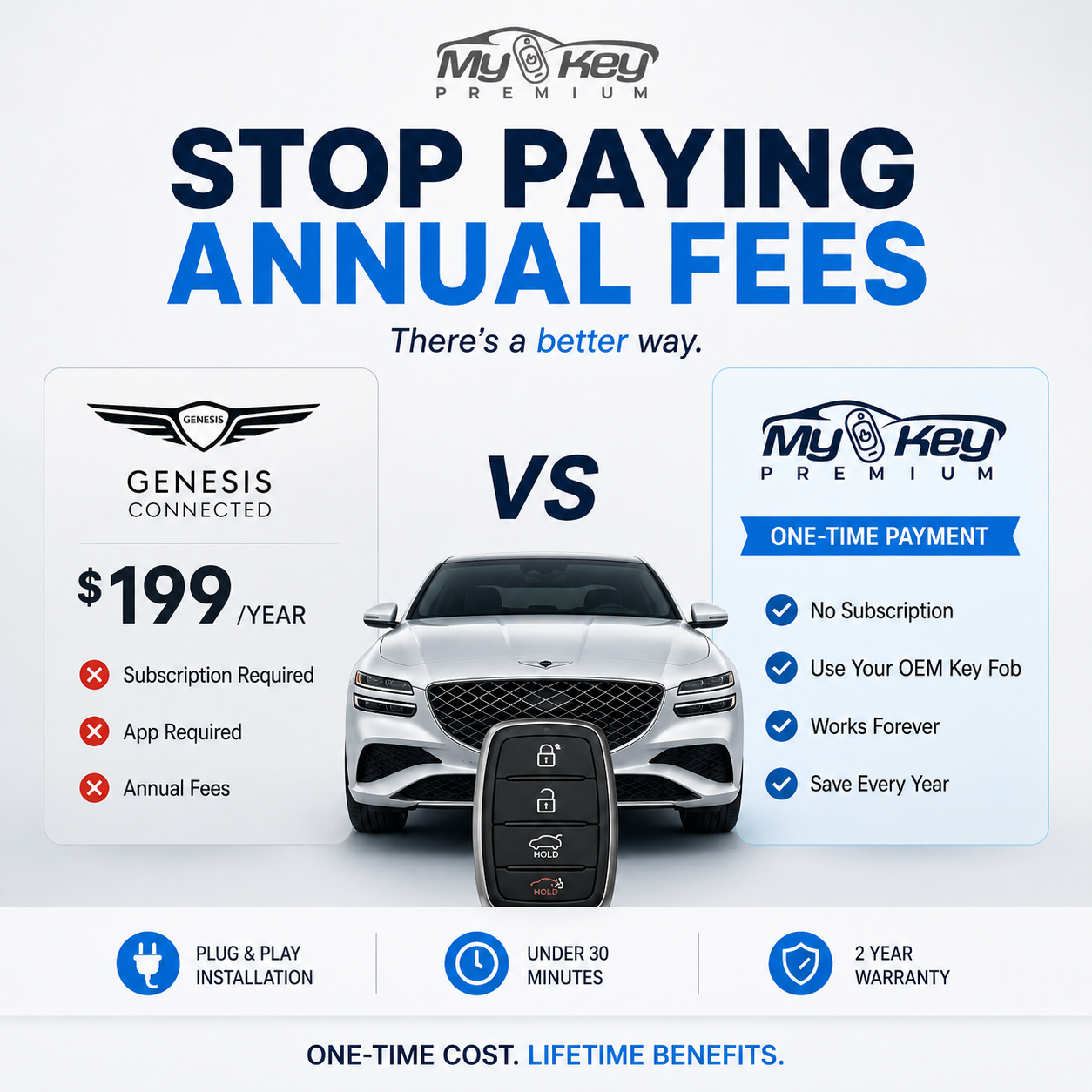
Here's exactly how a plug-and-play remote start installation works — and why thousands of owners have done it themselves in under 30 minutes.
What "Plug-and-Play" Actually Means
Traditional remote start installations require splicing into your car's wiring harness — cutting wires, soldering connections, and programming the module to communicate with your car's computer. This is why it used to take a professional 4–8 hours.
A plug-and-play T-harness works differently. It uses a connector that fits between your car's existing plugs — you unplug what's already there, plug in the harness in the middle, and the module communicates directly with the car's CAN bus system. No cutting. No soldering. No programming.
For Hyundai and Kia vehicles, this is possible because every model shares a standardized connector layout for the smart key module. MyKeyPremium was designed specifically around this architecture, which is why it works without modification.
What You Need
- The MyKeyPremium module for your specific model and year
- A plastic trim removal tool (optional — most panels just clip off by hand)
- 20–30 minutes
That's it. No multimeter. No wire stripper. No dealer software.
Step-by-Step Installation
Step 1: Access the smart key module On most Hyundai and Kia models, the smart key module sits behind the lower dashboard panel on the driver's side. On some models (like the Tucson or Sonata), it's accessible without removing any panels at all.
Step 2: Unplug the existing connectors The module typically has 2–3 connectors. Unplug them.
Step 3: Plug in the T-harness The T-harness goes between the factory connectors and the smart key module. One end plugs into the factory harness, the other into the module. The MyKeyPremium unit connects to the remaining port.
Step 4: Set the dip switches Each car model has a specific dip switch configuration. The instruction sheet that comes with your kit shows exactly which switches to set for your year and model. This replaces what used to require dealer programming.
Step 5: Test and reassemble Lock the car, step back, and press: Lock → 1 second → Lock. The hazard lights will blink twice and the engine will start. Reassemble the panel.
Common Questions
Will this void my warranty? No. Plug-and-play installations that don't modify factory wiring are generally covered under the Magnuson-Moss Warranty Act. Since nothing is cut or spliced, you're not modifying the vehicle — you're adding a module to an existing connector.
What if I make a mistake during installation? Nothing can go wrong that unplugging the module won't fix. If something doesn't work correctly, unplug it and your car returns to factory state. The support team can walk you through any issues by email.
Does it work with push-button start? Yes — MyKeyPremium supports both traditional key ignition and push-button start models.
Will my key fob still work normally? Yes. The system works alongside your existing key fob. Lock/unlock functions work exactly as before.
Why Do It Yourself vs. a Dealer or Installer?
| Dealer install | Best Buy / installer | MyKeyPremium DIY | |
|---|---|---|---|
| Cost | $300–$600+ | $200–$400+ | Module cost only |
| Time | Days (scheduling) | Same-day | 20–30 min |
| Wire cutting | Often yes | Often yes | Never |
| Warranty risk | Varies | Varies | None |
| Subscription needed | Sometimes | No | No |
Ready to Install?
Find the module for your Hyundai, Kia, or Genesis →
Installation videos for every supported model are available — bookmark them before you start.

Leave a comment
यह साइट hCaptcha से सुरक्षित है और hCaptcha से जुड़ी गोपनीयता नीति और सेवा की शर्तें लागू होती हैं.